Professional Organizing Services
Master Your Space.
Transform your home and office into perfectly organized environments that boost clarity, productivity, and peace of mind.
The Zahra Difference
Real-World Execution
Zahra doesn't just advise — she rolls up her sleeves and transforms your space with hands-on expertise, turning chaos into functional beauty in a single session.
Systematic Magic
Every decision follows a proven system — categorize, simplify, assign a home. The result isn't just tidy, it's a space designed to stay organized long after Zahra leaves.
Recent Transformations
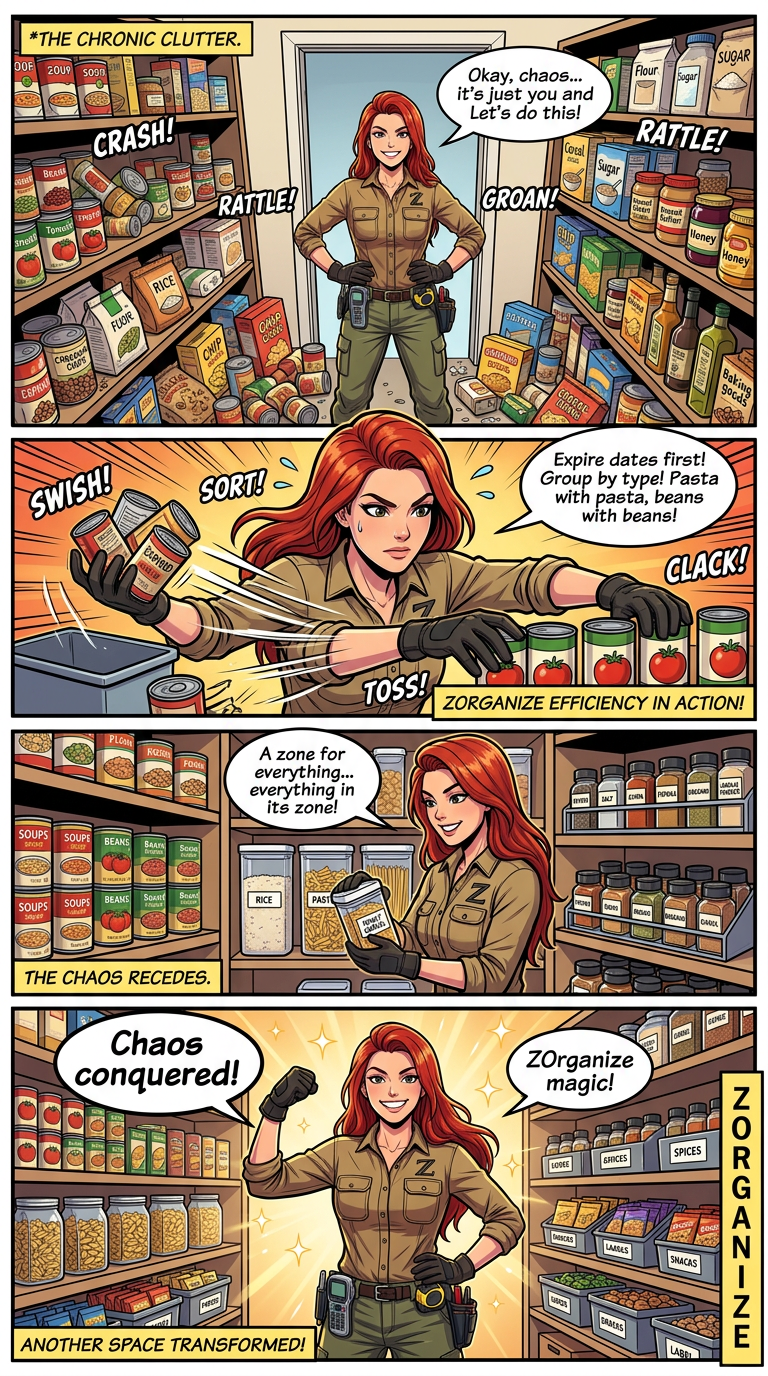
Pantry Power-Up
From overcrowded shelves to a fully labeled, categorized pantry system.
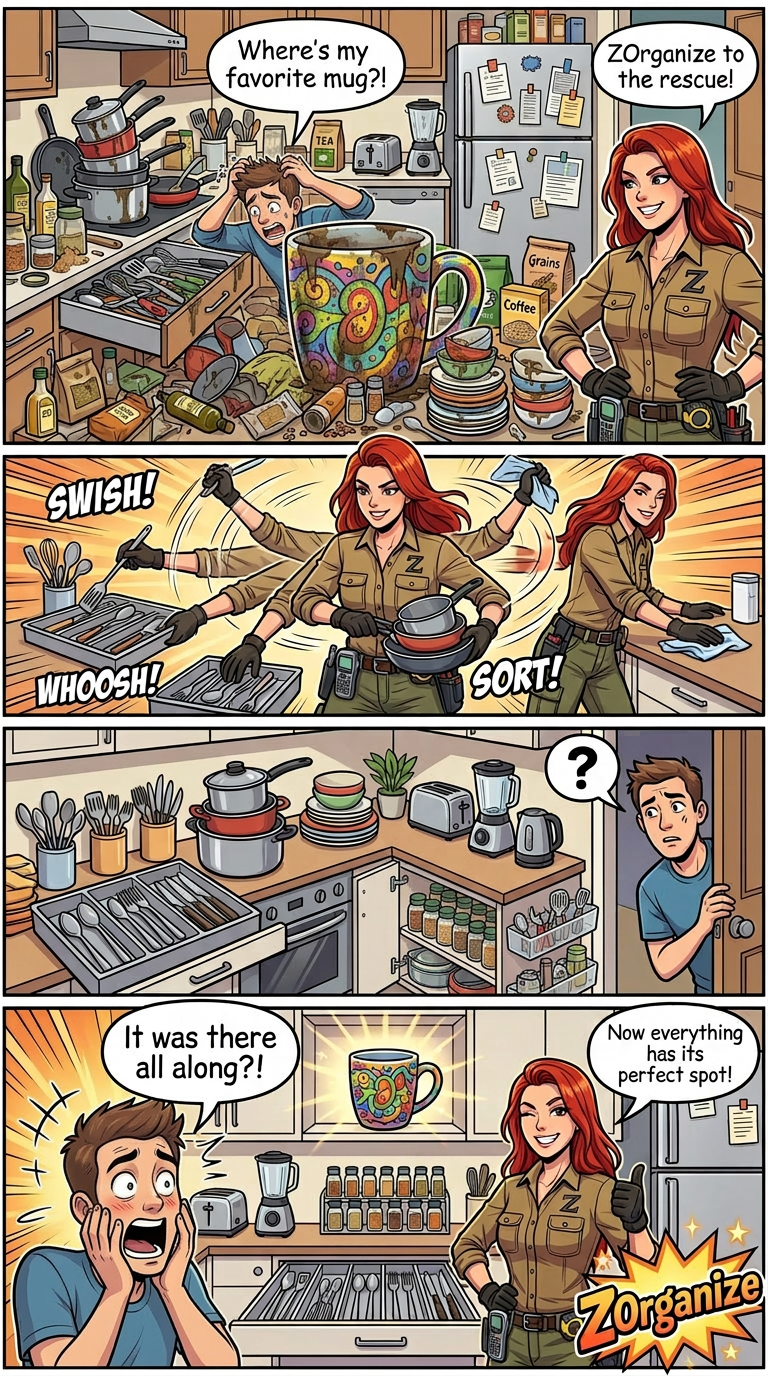
Kitchen Conquest
Every drawer, cabinet, and counter given purpose and clarity.
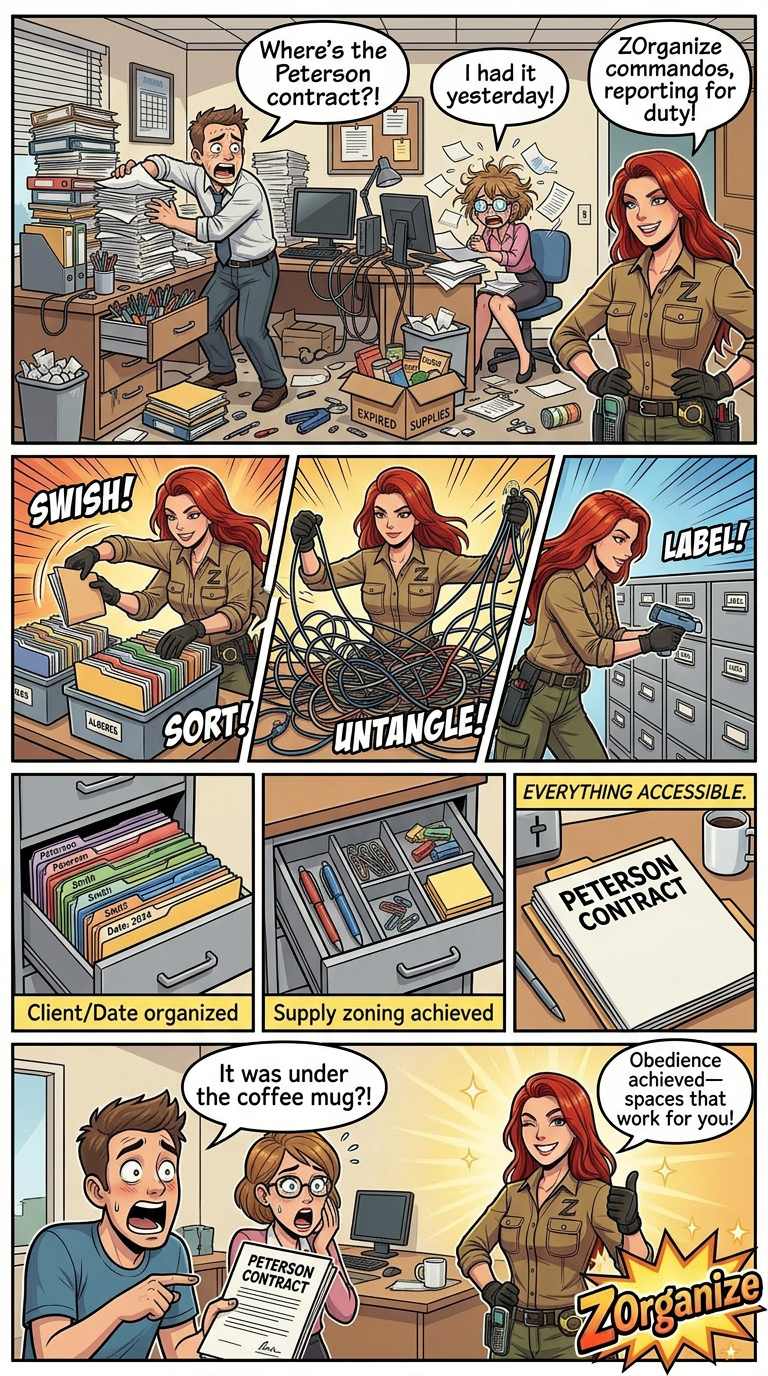
Office Obedience
A cluttered workspace transformed into a productivity powerhouse.
Prefer to talk? Reach out directly.
+1 (555) 123-4567